Skip to content

Optimal RH base

As the true control center of the entire solution, the Optimal RH platform enables the harmonization of the different functional modules.

An experience tailored
to everyone's needs

  • HR, Managers, Executives.

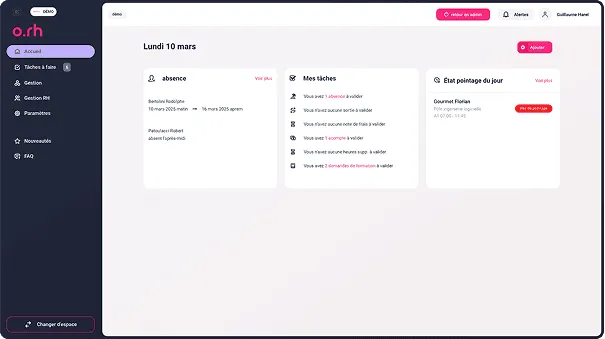
    A complete and dynamic interface dedicated to staff management where you can find all the necessary information to best manage your business and your employees.

    Optimal RH dashboard on the human resources side: tasks to do, absences and time tracking for the day.
  • Employees, contractors

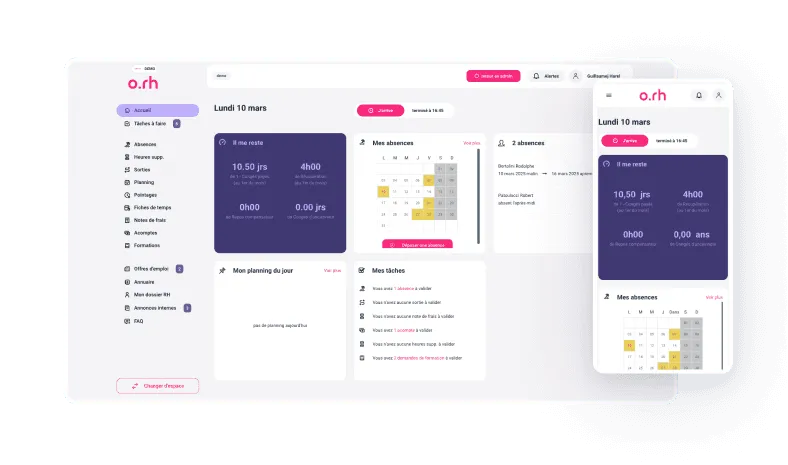
    A simplified space with mobile-first components to create an application that works perfectly on PC and mobile. The employee retains control no matter where they are.

    Optimal RH employee space on desktop and mobile: the day's schedule, tasks and absences.

Free your HR service and managers from recurring constraints with Optimal RH

Management of my business

Human Resources

Delegation and interim

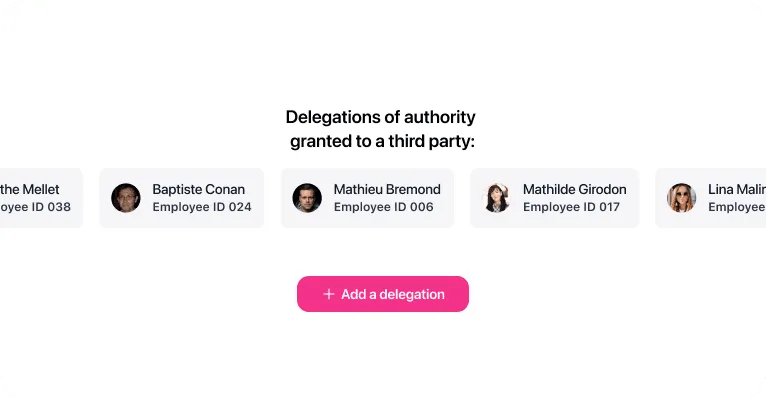
The delegation allows a collaborator to transfer their tasks to another user during their absence. Optimal RH enables you to make this delegation of authority in a simple and intuitive way. This feature ensures that the company's activities never stop.
Accounting

Payroll export

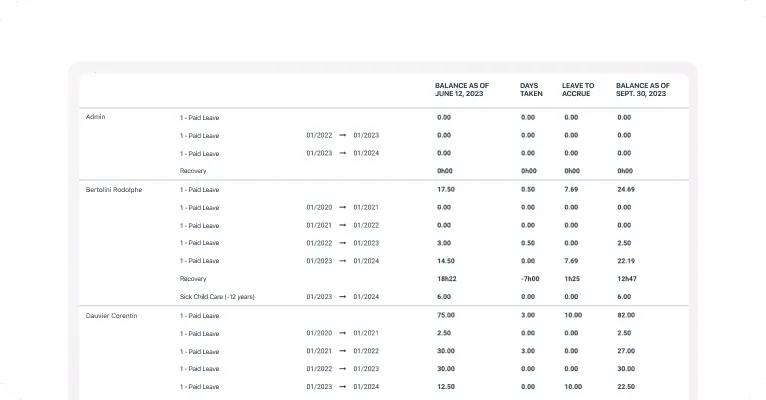
Optimal RH creates summary documents to facilitate export for payroll based on your payroll software. One or several documents will be available for export, gathering data on leaves and absences, variable payroll elements, etc.

Human Resources

Management of deposits

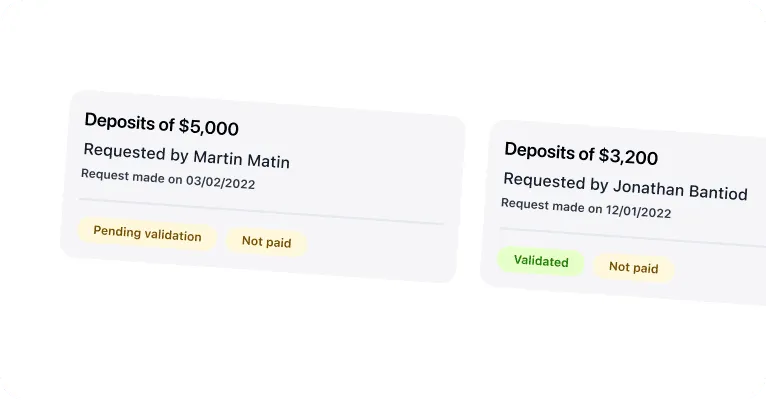
This feature allows all employees whose salary is paid monthly to request from their employer to receive a part of their remuneration before the end of the month. After acceptance by management, the payroll manager can thus derogate from the classic payment of the salary on a specific date.

Analysis

Company statistics

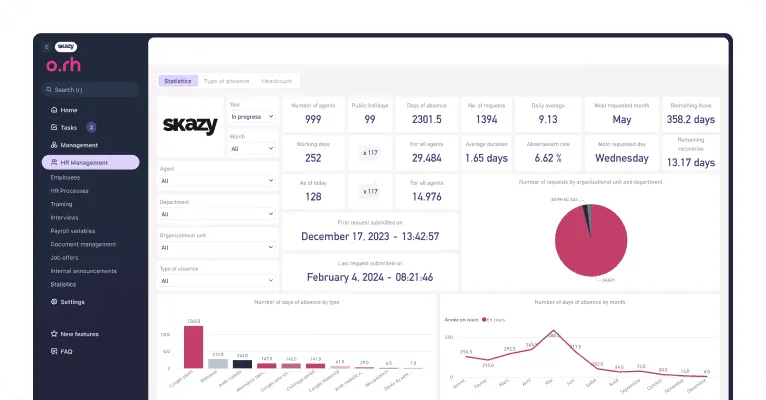
Optimal RH collects and centralizes all the data that is incremented in the software. This data is then returned in automated dashboards (histogram, line graph, stacked areas, pie charts, etc.). This allows for a simplified visualization of the various HR indicators and facilitates data analysis.

Communication

Internal announcements

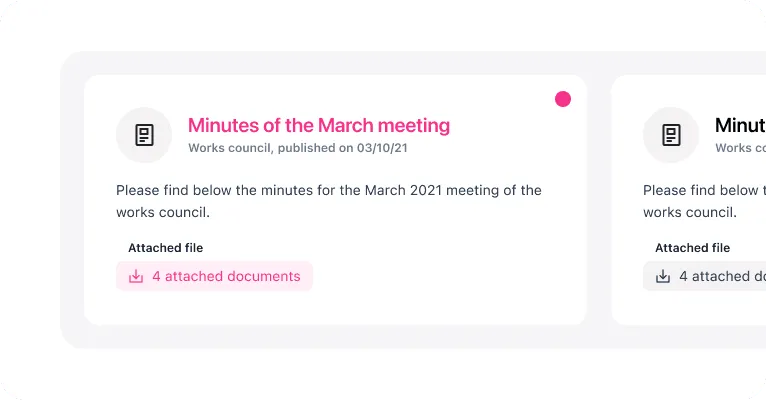
This space allows for internal communication with your employees while respecting your legal obligations regarding mandatory display boards. All legal documents, including minutes (Works Council, Staff Delegates, Health and Safety Committee, etc.), reports, collective agreements, and internal regulations are made available to your staff and can be consulted at any time.

Organization

Roles and permissions

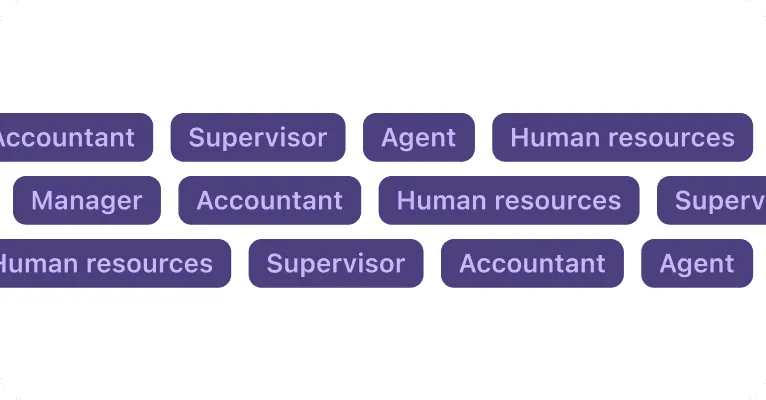
Optimal RH allows you to define secure access based on roles within your organization, whether they are agents, managers, executives, human resources, accountants, etc. This feature ensures optimal management of permissions and access to sensitive information.

Human Resources

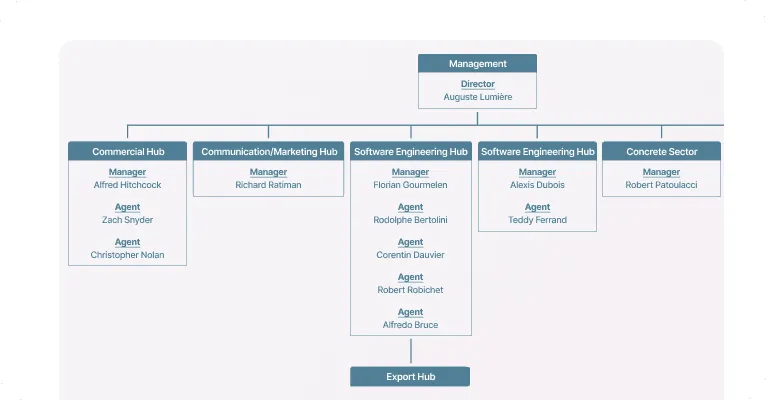
Organizational chart and company directory

The organizational chart and company directory provide a structured visual representation of your company's hierarchy. This facilitates the flow of information, increases team responsiveness, optimizes collaboration, and enhances communication within the company. It also allows each employee to identify their place in the company, particularly new arrivals.

Human Resources

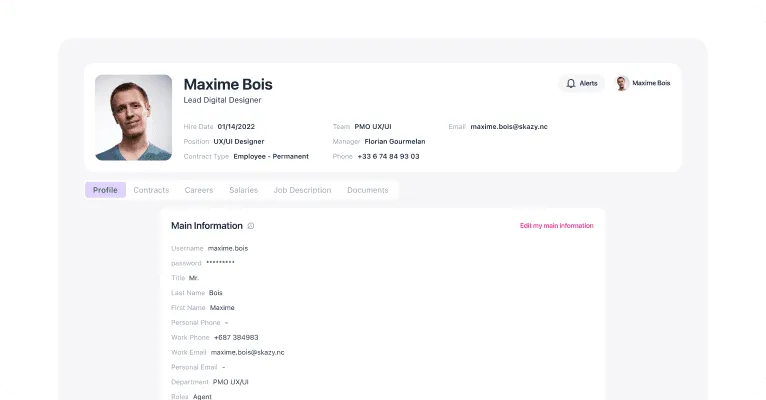
Management of employee information sheets

This highly secure file is the foundation of the software. It contains all the confidential data concerning the identity of your collaborators: personal, banking, social or contractual information. It allows authorized services to have all the documents and useful elements in one place.

Notifications and support

Communication

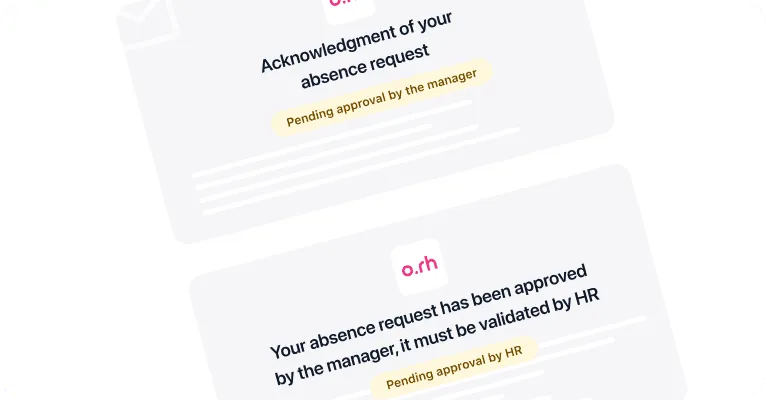
Notification email of the different workflows

The workflows are launched and executed across the various interconnected modules in Optimal RH according to the parameters you have requested. As such, it automates a series of actions that would normally be performed manually. Email notifications are mechanically sent to the concerned individuals.

Support

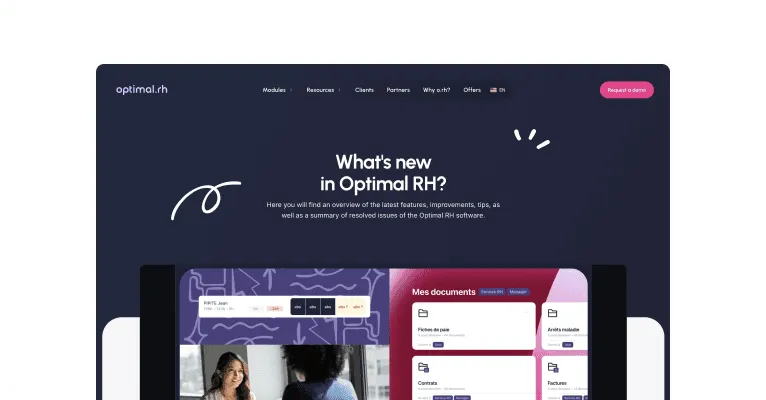
Information about the new features

You are regularly informed of the new features implemented on Optimal RH through videos that appear as pop-ups in the application, but you can also regularly receive more comprehensive newsletters on all aspects of the profession. Our LinkedIn and Facebook social media pages are also filled with additional information.

Support

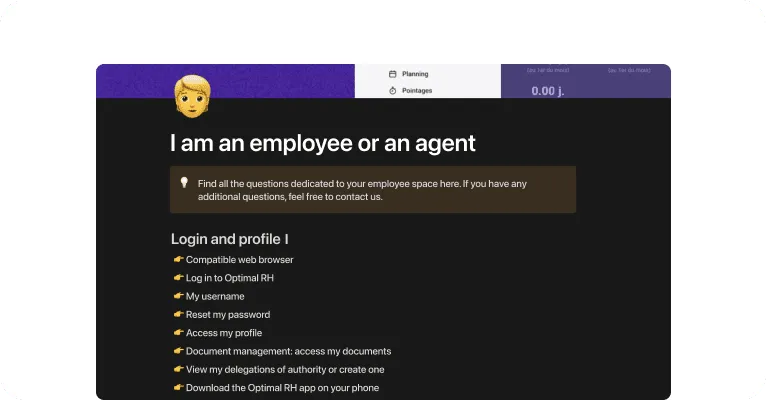
Helpdesk / FAQ / Support

To assist you in using your Optimal Rh software, we have provided you with a FAQ tool that answers the main questions that may arise. Support operates by themes: My account, HR Portal, Payroll Export, Leave and absences, Expense reports, Scheduling, Time tracking. You also have access to our technical service directly for any daily issues. Our team is at your service.

Discover our HR management modules

Optimal RH base

The Optimal RH base is included in all the offers we provide. This base evolves according to the modules you choose.

Discover the module

Expense reports

Easily create expense reports from a mobile phone.

Discover the module

Leave and absences

Manage the absences, leave, and outings of your employees

Discover the module

Time tracking

Manage your employees' working time

Discover the module

Recruitment

Create, publish your job postings and manage the different applications

Discover the module

Career Management

Track the career progression of your employees with the administrative file.

Discover the module

Trainings

Manage your employees' training and skills development

Discover the module

Planning

Easily create, customize, and manage all of your schedule profiles.

Discover the module