

Skip to content

Expense reports

Simplify the management of expense reports by digitizing and automating processes. Lighten the burden of administrative tasks for the HR department and managers while improving organization and cut the processing time of business expenses in half!

The constraints this module removes

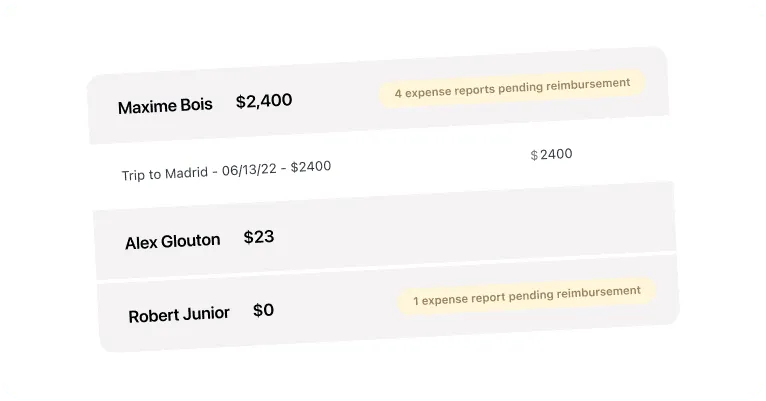
  • Control the validation workflow with our expense management software through the automation of your processes, allowing for precise tracking at every step. By providing a comprehensive view of the status of your expense reports, you ensure transparent and effective management.

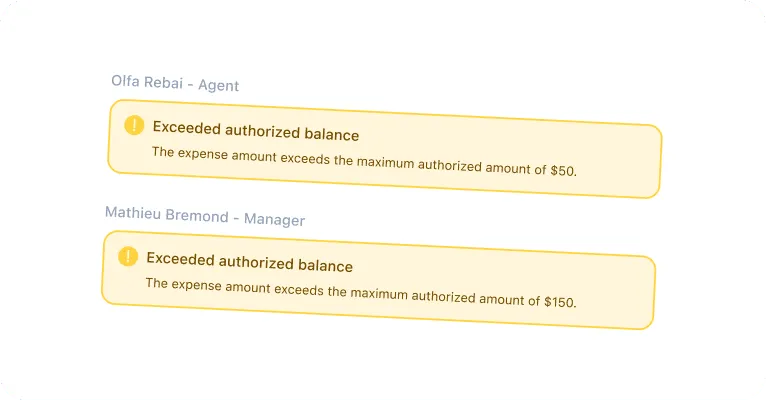
  • Set up customizable thresholds and alerts to quickly identify when an expense exceeds the authorized amount. If a cost exceeds the predefined limits, our solution immediately notifies you, allowing you to proactively intervene to resolve the situation.

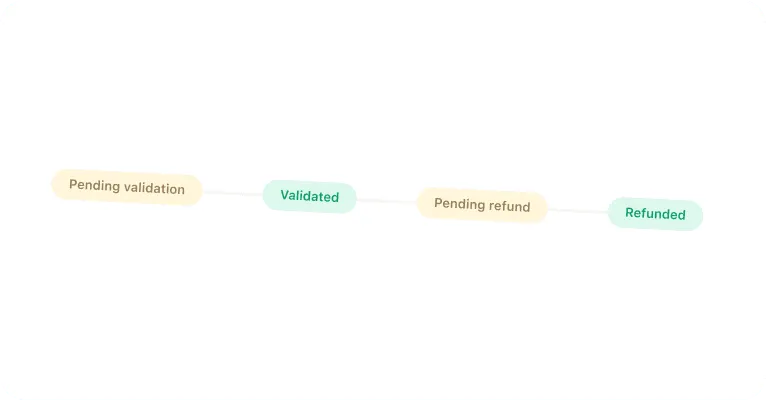
  • Track the status of each invoice and maintain complete control over the process. Ensure that your employees have accurate tracking of expense reimbursements.

  • Choose between different employee reimbursement methods: as you go or at the end of the month with the payslip. Opt for the approach that best suits your company's accounting management.

  • Abandon paper receipts with digitization. Store all necessary files electronically and free up physical storage space by reducing the risk of document loss.

Free your human resources service and your managers from the recurring constraints related to expense report management with our Optimal RH management software.

Expense report management policy

Customize your expense management policy. Our teams take care of configuring it according to your needs and adapting to your HR processes.

Human Resources

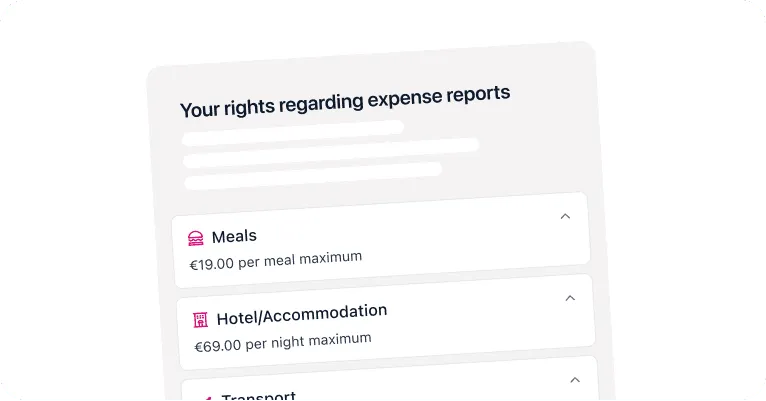
Set the maximum amounts to not exceed

Set a maximum amount not to be exceeded by type of expense report. When the user exceeds the limit, you will be notified in real-time so you can reach out to them. If you wish, you can also leave the control to your employees by not configuring any amount.
Employees

Set your refund policy according to the profiles

Depending on the amount of professional expenses, the type, and the user (agent, executive, manager, etc.), you will have the ability to define the amount of reimbursements. Whether they are total or partial, keep control and manage them as you wish.

Expense report requests

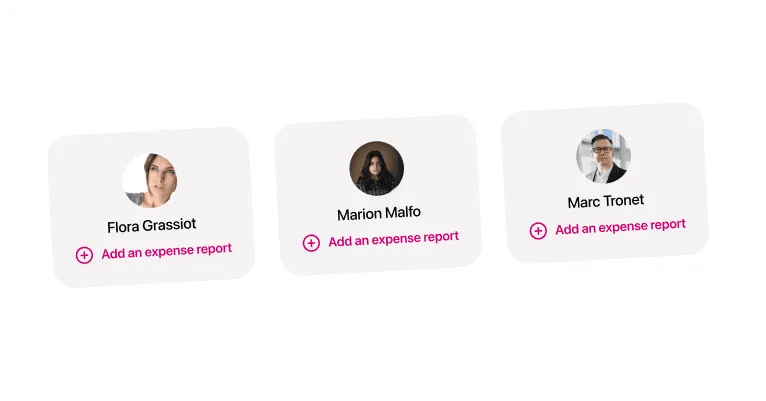
Make your employees autonomous in their expense report reimbursement requests. Whether they are at the office or traveling, employees can easily submit their expense reports through our platform designed for mobile.

Human Resources

Benefit from an efficient expense management solution

Optimal RH provides an efficient solution for businesses by simplifying the expense report management process. With the ability for employees to submit their expenses in real-time via the mobile application, companies can reduce delays and ensure compliance with deadlines. Real-time tracking facilitates the overall management of the request flow and allows HR managers to effectively monitor the status of each request.

Employees

Receive the photos of your employees' receipts live

The process is simple and playful to assist employees in declaring their business expenses, thereby accelerating the collection of receipts. Real-time tracking allows employees to know the status of their requests, keeping them informed at every step of the process. Additionally, thanks to the digitization of expense reports, keeping the original paper copy is no longer necessary.

Expense report validation

Customize the approval process for your expense reports and provide more involvement to your human resources managers and supervisors.

Human Resources

Set up a workflow that streamlines your business processes

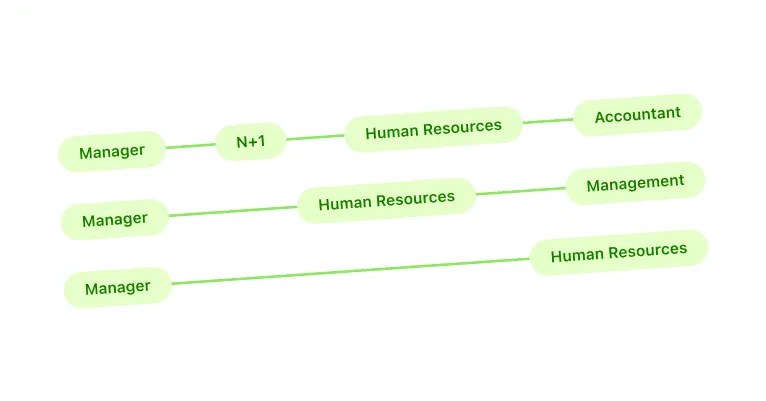
Organize the approval workflow for your expense reports as you wish. Give more responsibilities to your team leaders by offering them a pre-approval process. This improves the flow of requests by allowing managers to have visibility on the status of each reimbursement and ensures transparent and quick management.

Employees

Improve the management of validations for your collaborators

Employees can track the status of their declarations in real-time, providing them with complete visibility into the progress of their requests by receiving notifications. With these features, they are guaranteed efficient processing of their expense reports, reducing delays and increasing the company's productivity.

Reimbursement of expenses

You can reimburse the expense reports of your employees in two ways: either continuously, or at the end of the month on the pay slip. Choose the method that best suits your internal processes.

Employees

Quick and efficient reimbursement of expense reports

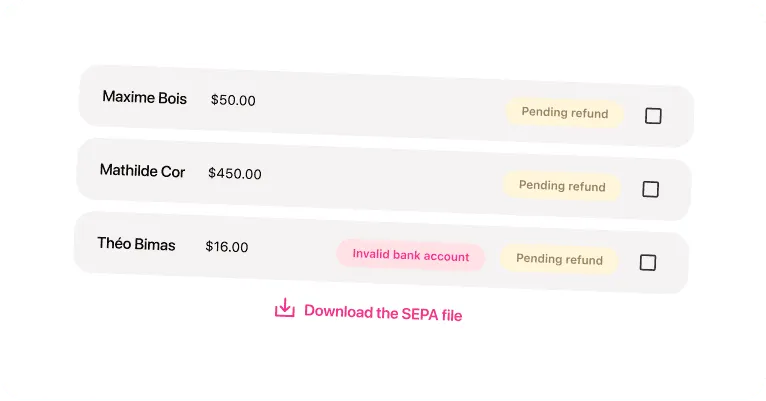
Reimburse expense reports in just a few clicks. Select those that have been approved and are awaiting reimbursement, and generate a SEPA file with all the bank information of the employees. Finally, all you have to do is transfer this file to your bank.

Human Resources

Reimburse your employees on their payslip

Manage the flow of requests more efficiently, thereby improving overall employee satisfaction. Optimizing the reimbursement process enhances the efficiency of managing business expenses, reducing delays and promoting better productivity within the company.

Discover our HR management modules

Optimal RH base

The Optimal RH base is included in all the offers we provide. This base evolves according to the modules you choose.

Discover the module

Expense reports

Easily create expense reports from a mobile phone.

Discover the module

Leave and absences

Manage the absences, leave, and outings of your employees

Discover the module

Time tracking

Manage your employees' working time

Discover the module

Recruitment

Create, publish your job postings and manage the different applications

Discover the module

Career Management

Track the career progression of your employees with the administrative file.

Discover the module

Trainings

Manage your employees' training and skills development

Discover the module

Planning

Easily create, customize, and manage all of your schedule profiles.

Discover the module